Memory is product data
If stored memory changes a user experience, it deserves the same operational treatment as profiles, entitlements, billing state, or support notes: inspectable, editable, and accountable.
MemexAI does not hide memory in an opaque model layer. The admin console gives teams a place to inspect memory files, correct wrong facts, review revisions, follow access logs, test tools, and watch memory health across users.
The console is an operator surface, not an end-user app. Put /admin behind your own auth, keep MEMEX_ADMIN_SECRET and MEMEX_API_KEY server-side, and proxy admin calls in public deployments.
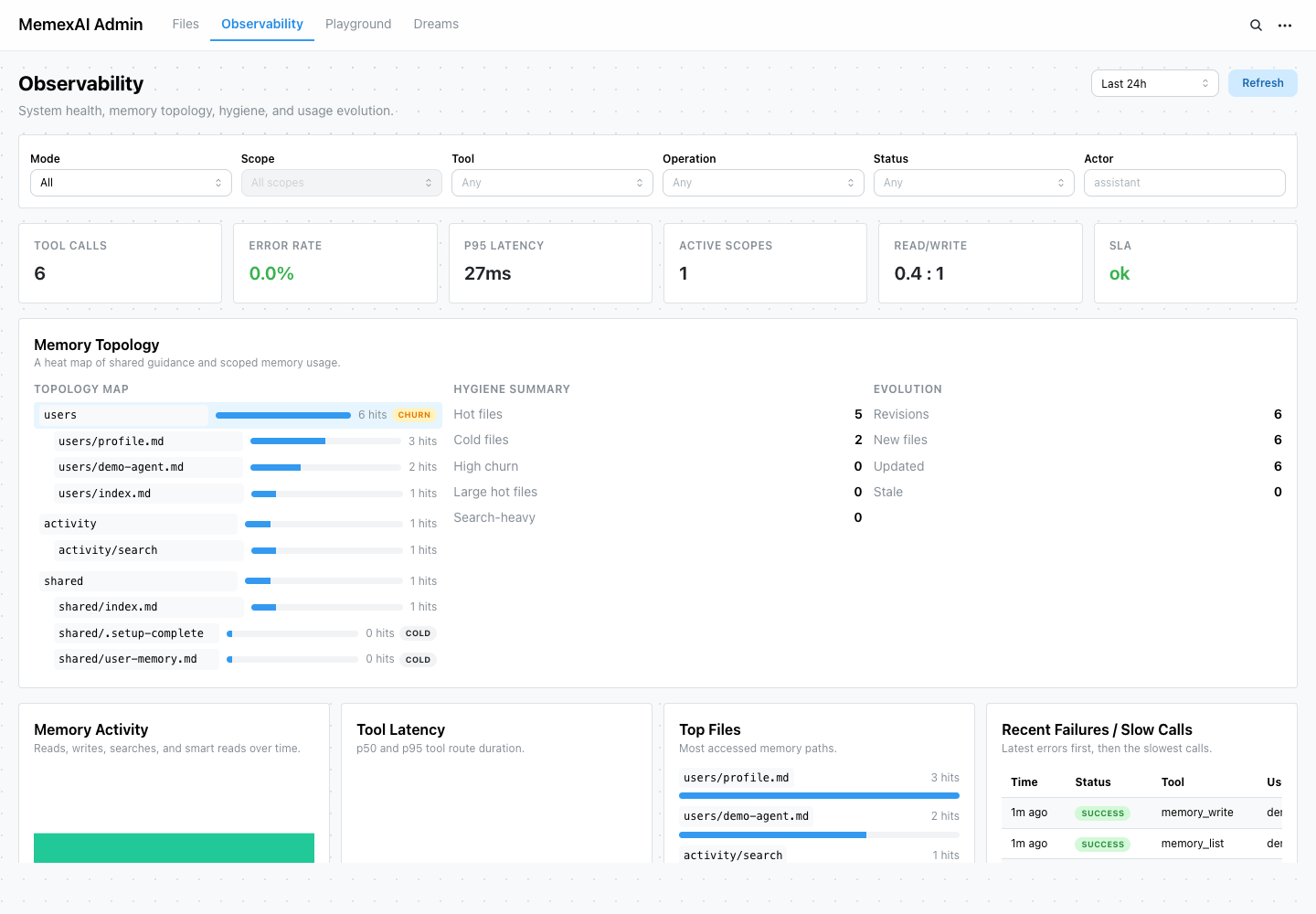
MemexAI is built around a simple belief: once memory can affect the next answer, it is no longer just model context. It is part of the product surface. The admin console is where that surface becomes visible enough for real teams to trust, debug, and improve it.
If stored memory changes a user experience, it deserves the same operational treatment as profiles, entitlements, billing state, or support notes: inspectable, editable, and accountable.
The console exists because durable memory should not be explained as "the model remembered." Teams need to see the file, the read, the write, and the revision behind behavior.
Wrong memory should become an ordinary product workflow: find the record, correct it with a reason, verify the next context, and keep the trail for review.
Use it after first install to prove the loop, and in production-like environments to debug why an agent remembered, forgot, or changed a durable fact after you have reviewed the security and retention caveats.
Browse scoped memory as a tree, open user and shared files, inspect Markdown content, and edit incorrect memory with a reason.
Memory that affects behavior should be readable by the team operating the product.Track tool calls, p95 latency, error rate, active scopes, hot files, memory topology, hygiene signals, and recent slow or failed calls.
Once memory is injected into prompts, memory health becomes part of debugging production behavior.Review every write snapshot with actor, operation, reason, timestamp, and the file content that changed future agent behavior.
A wrong answer should lead to a trail, not a guessing game about model state.See read, write, patch, search, and smart-read activity so operators can understand which memory files agents touched.
Trust improves when teams can see what context was actually read, not only what the prompt intended.In a local or private operator session, call memory tools from the console, test raw file and memory subagent flows, inspect responses, and copy integration snippets.
The first proof should be concrete before a team invests in a full integration.Configure background consolidation, inspect per-user dream status, pause users, and review dream-agent activity before widening rollout.
Background cleanup is useful only if operators can review and pause it.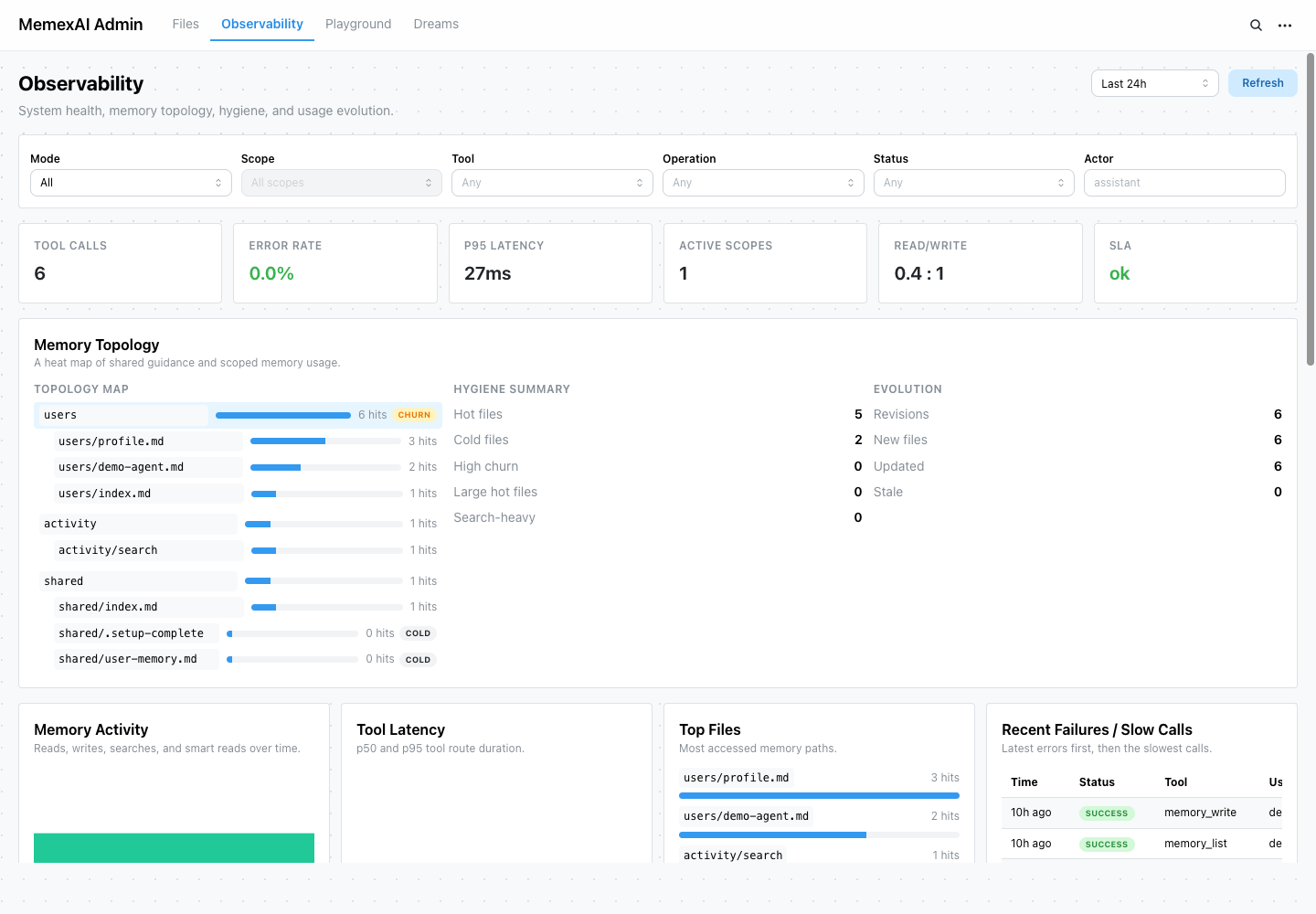
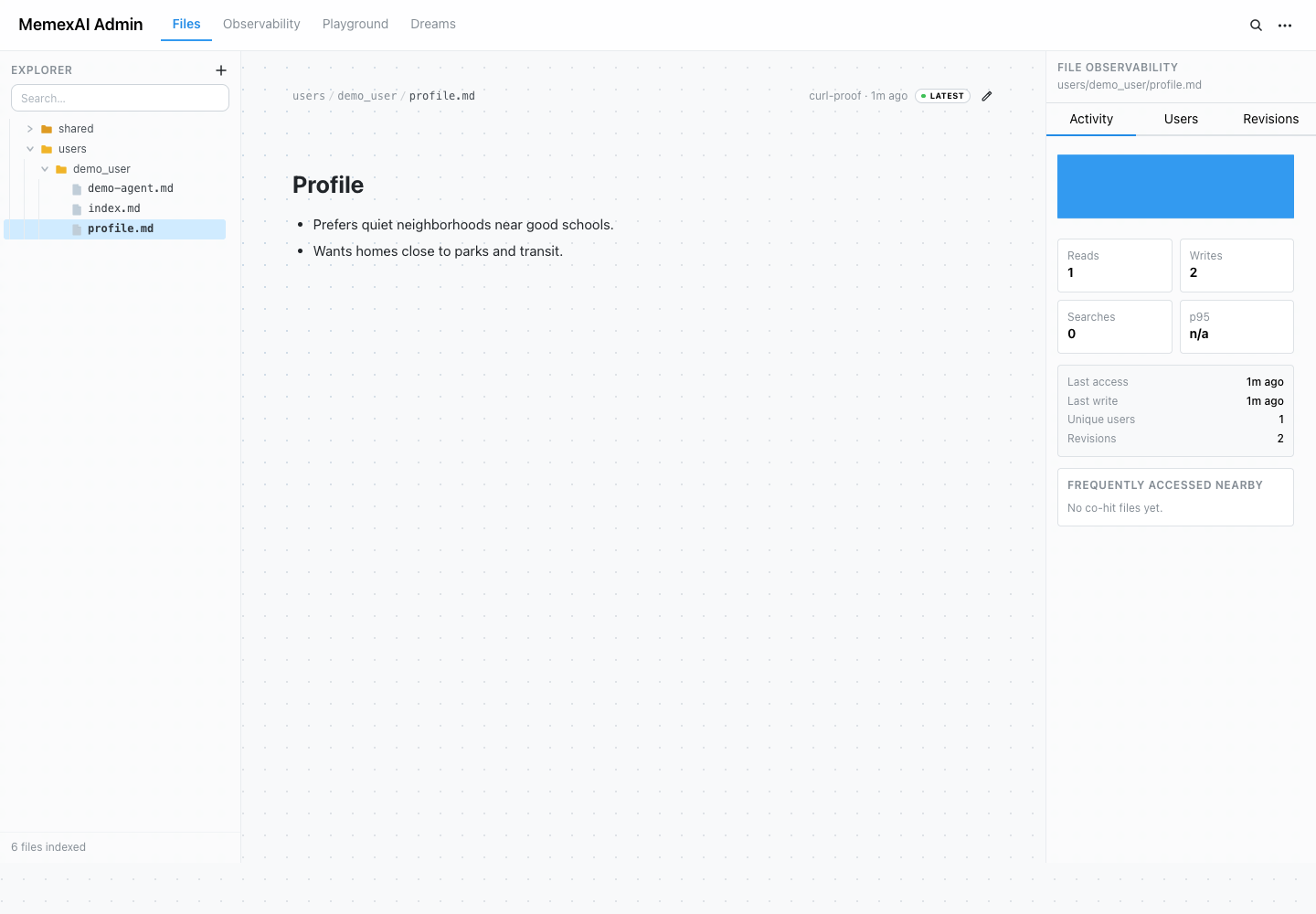
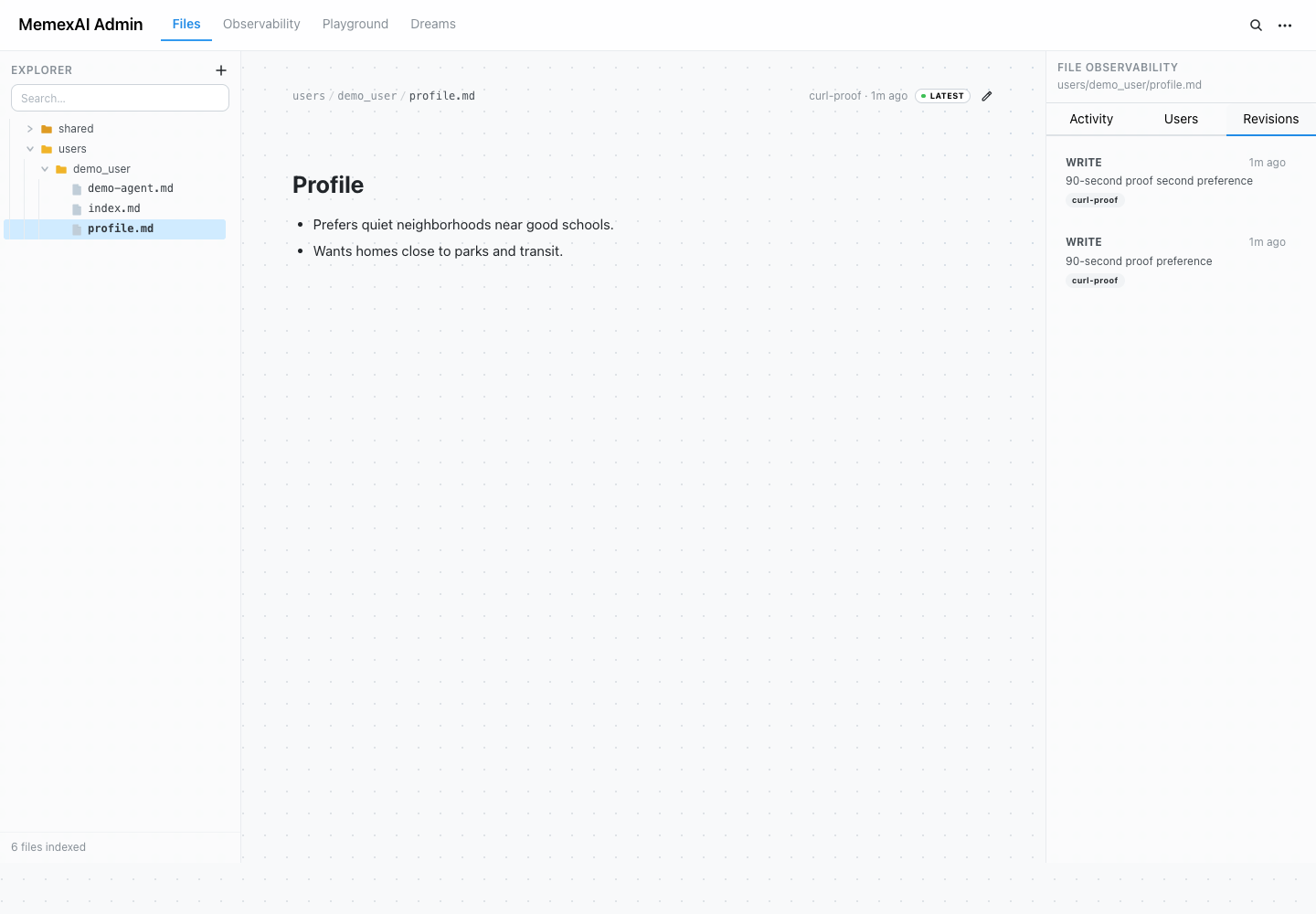
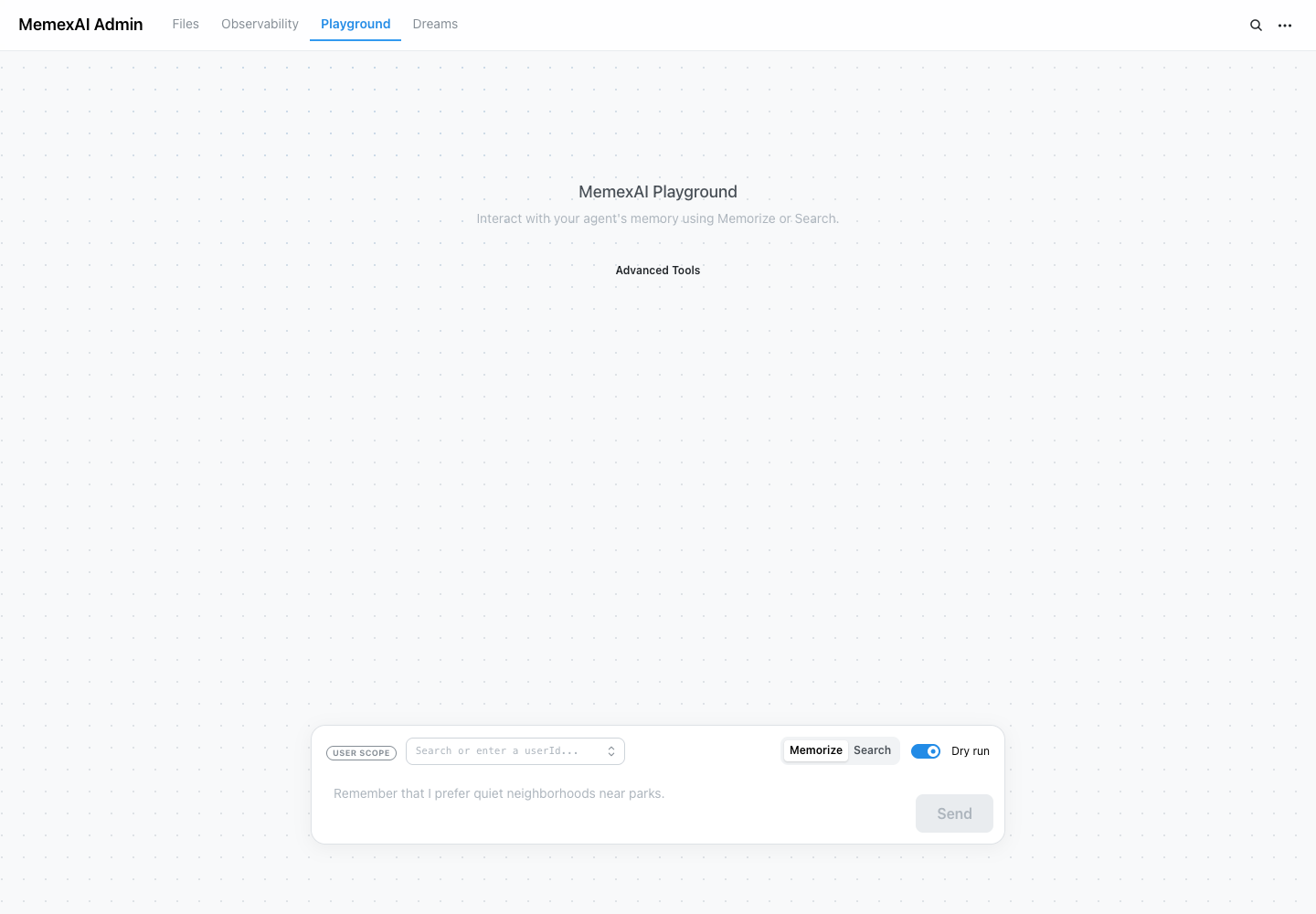
The admin console turns memory into product data: a team can inspect what exists, correct it, verify the next prompt context, and keep the audit trail.
The admin console is included with the service container at /admin. Keep admin access behind your own authentication and treat the admin secret as server-side operational credential.